Explore new Aurora
Update your theme version today.

 Nov 13, 2025 — 2 min read
Aurora 5.0 has arrived.
With the latest version, Aurora adapts to the evolving Shopify theme ecosystem by introducing new color schemes, conditional settings, and refined editing logic.
While the list of updates is long, here are the key highlights of this release.
Aurora now uses Shopify’s native color system that supports up to 21 color schemes. Each section and most blocks can inherit the main color palette, have their own palette, or use a custom color picker for text, backgrounds, and overlays. This makes it easier to create a store that feels cohesive and true to your brand.
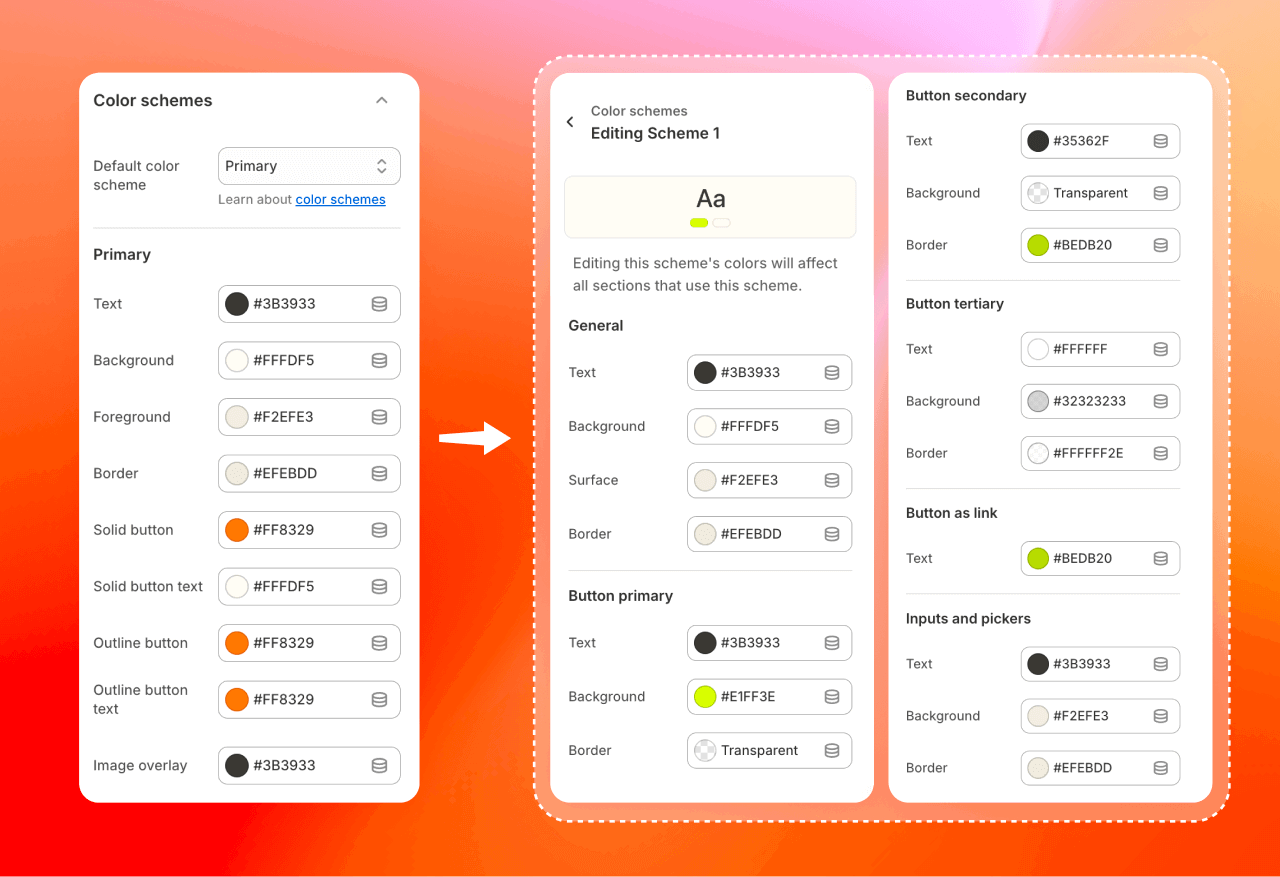
As Aurora gains more features, we've introduced conditional settings to keep the editor clean and intuitive. Conditional settings create an editing flow that keeps only relevant options visible, making store customization simpler and more efficient. Spend less time searching through settings and more time designing your perfect Shopify store.
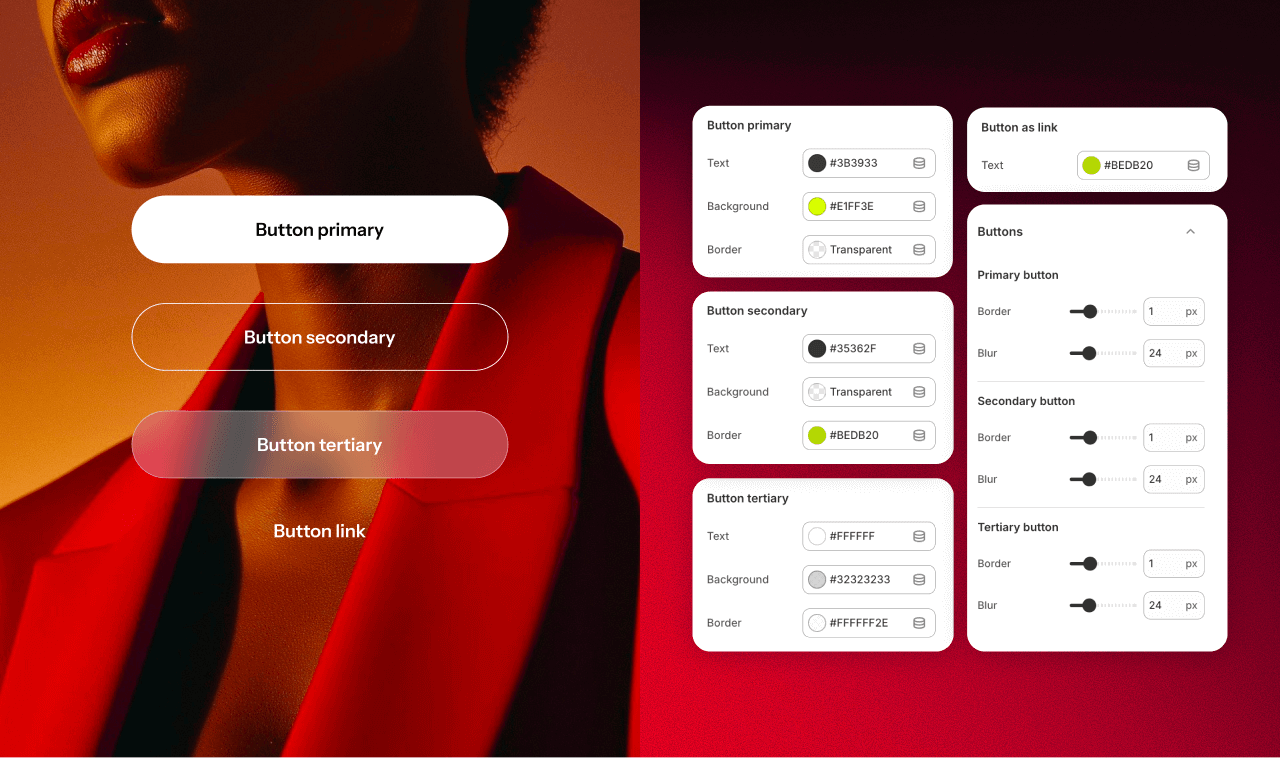
Button style settings are now more flexible than ever, no longer limited to solid or outlined looks. You can create up to 4 unique button styles per color scheme, adjust button borders and blur levels, or apply custom colors within each section to exactly match the look you have in mind. These expanded options let you fine-tune buttons for different contexts, such as calls to action, secondary links, or subtle accents, while keeping your overall design consistent.
One of the most-awaited features, per-section rounding, has become available in Aurora 5.0. You can now set individual edge rounding for each section, instead of applying the same rounding to the entire theme. Mix soft corners with bold, sharp shapes to create distinct layouts.
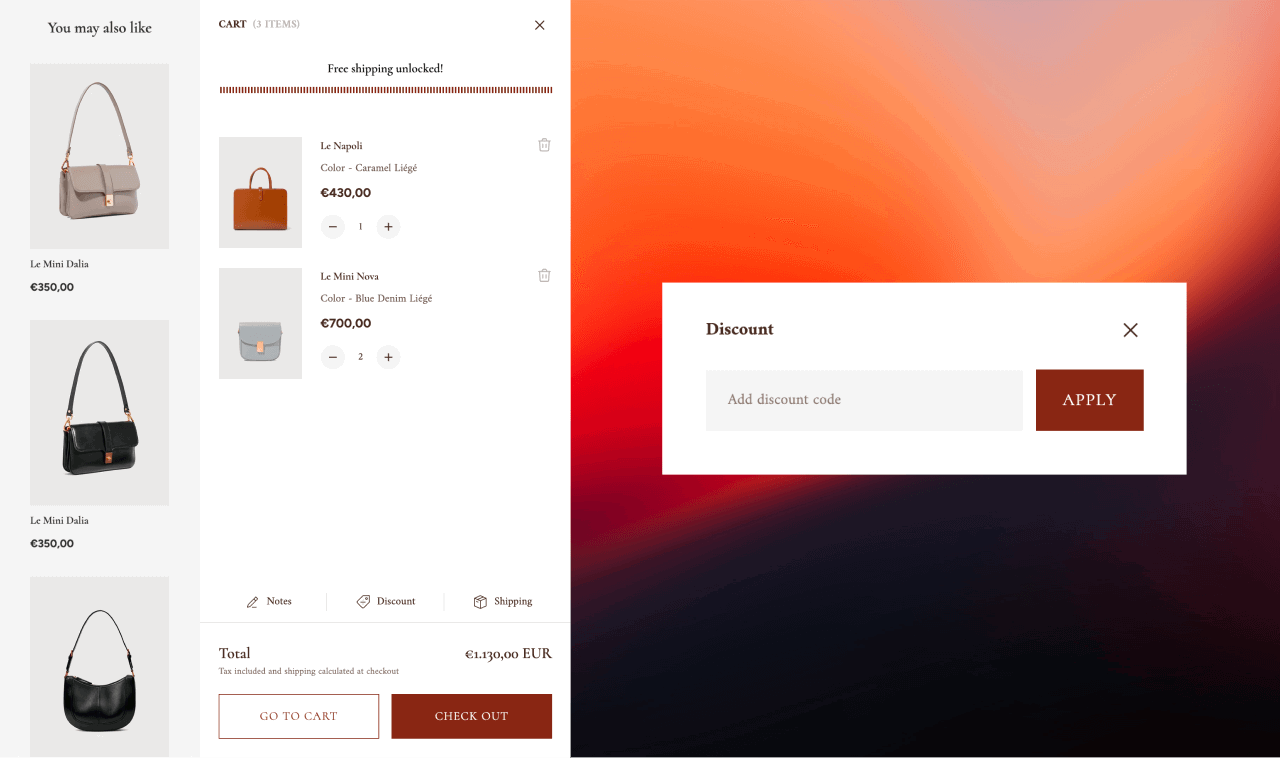
A small but impactful addition: shoppers can now apply discount codes directly in the cart. This way, they instantly see the final total amount and can finish checkout without extra steps or distractions. It helps reduce cart abandonment, builds trust at checkout, and gives customers a smoother, more transparent shopping experience.
In total, there are over 50 refinements across layout, styling, and usability!
Upgrade your theme to make the most of Aurora’s latest improvements. Try the new features and share your thoughts and ideas in our Slack community. Your insights help us improve and evolve the theme with each release.
Join us on X for regular theme updates, design inspiration from real stores, and marketing tips.
You're reading Getsitecontrol blog where marketing experts share proven tactics to grow your online business. This article is a part of Aurora updates section.
Jul 30, 2025 — 2 min readAurora 4.0 has arrived.
The release comes in sync with Shopify’s major Theme Store redesign that has made theme discovery and setup easier than before.
Let’s take a closer look at what’s new and what’s coming next.
May 30, 2025 — 2 min readAurora 3.6 is now live in the Shopify Theme Store.
This update introduces a new theme preset for beauty and skincare brands, along with other enhancements, including a shipping calculator, revamped quick view, and consent checkbox in the shopping cart.
Let’s dive right in!
Feb 7, 2025 — 2 min readWe're excited to announce the release of Aurora 3.5, an update based entirely on your most popular feature requests. From major enhancements to minor tweaks, this version is designed to elevate your store’s functionality and visual appeal.
Let’s dive right in!
Subscribe to get updates
Get beginner-friendly tips for growing your online business.